Login error: Internet Explorer ESC
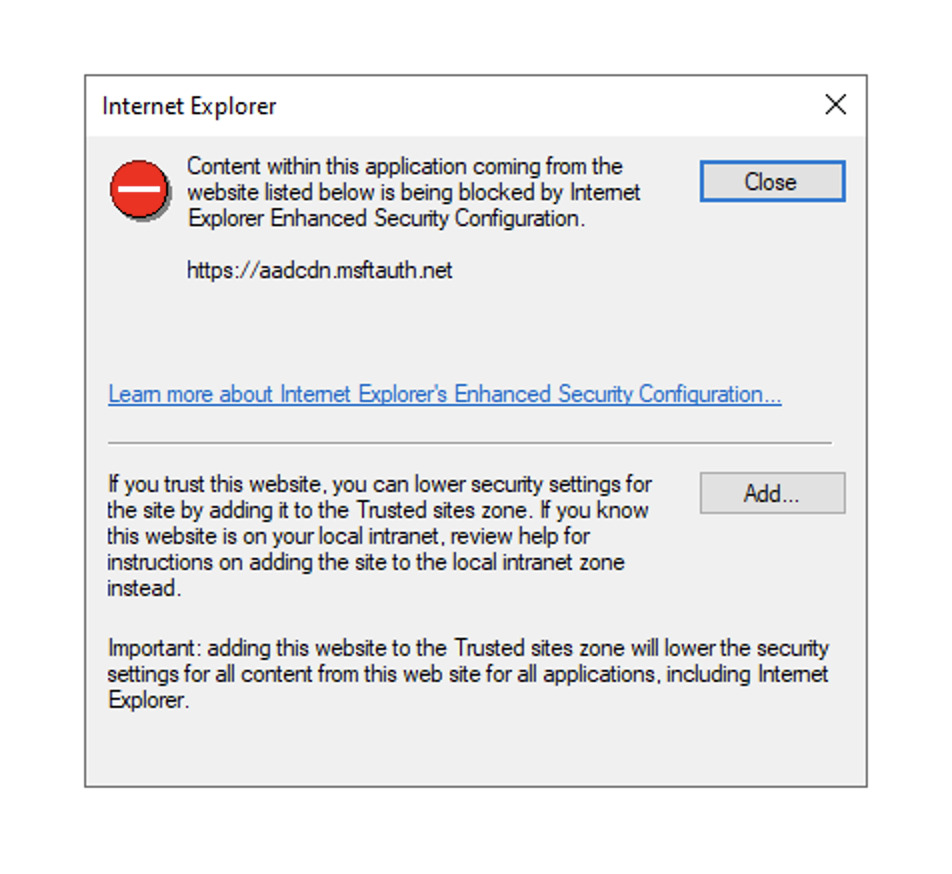
When trying to signup, you may encounter this error:
Content with this application coming from the website listed below is being blocked by Internet Explorer Ehanced Security Configuration.
https://login.microsoftonline.com
Resolution
They are two way to resolve this error: Signin with an other browser or Add website to resuted domains.
The easiest one is to signin with an other browser: on login screen, clic Signin options, then select signin with default browser (on a fresh Windows install, Edge is the default browser and should work fine).
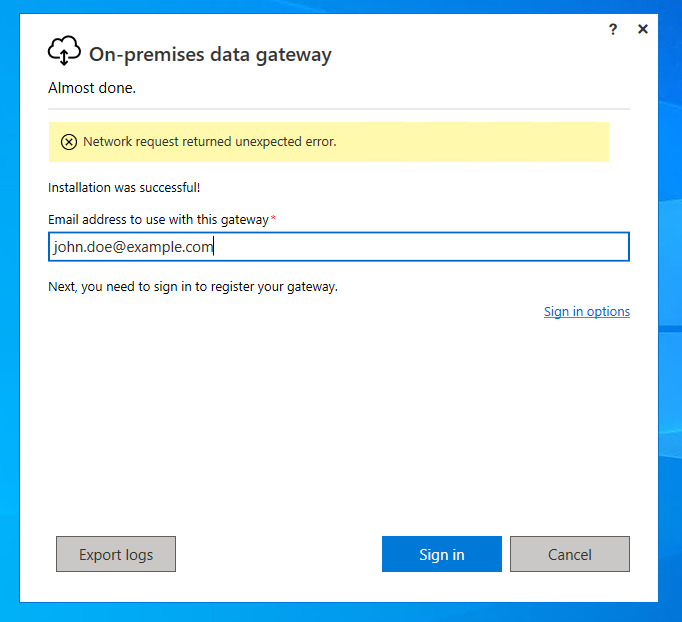
An other method is to add the required domains to trusted domains, clic add button on the error dialog and follow the process.
Need any help? Contact our support at [email protected]